
A month ago, the first One UI 9 builds for the Galaxy S26 series appeared on Samsung’s servers. It was still early days, so those builds didn’t reveal much in terms of new features or changes.
They weren’t even based on Android 17 but were instead running on Android 16. That has now changed with newer builds we’ve been able to access and test on our Galaxy S26 devices.
These latest test builds are far more interesting and line up with several leaks about the features Samsung is reportedly preparing for One UI 9.
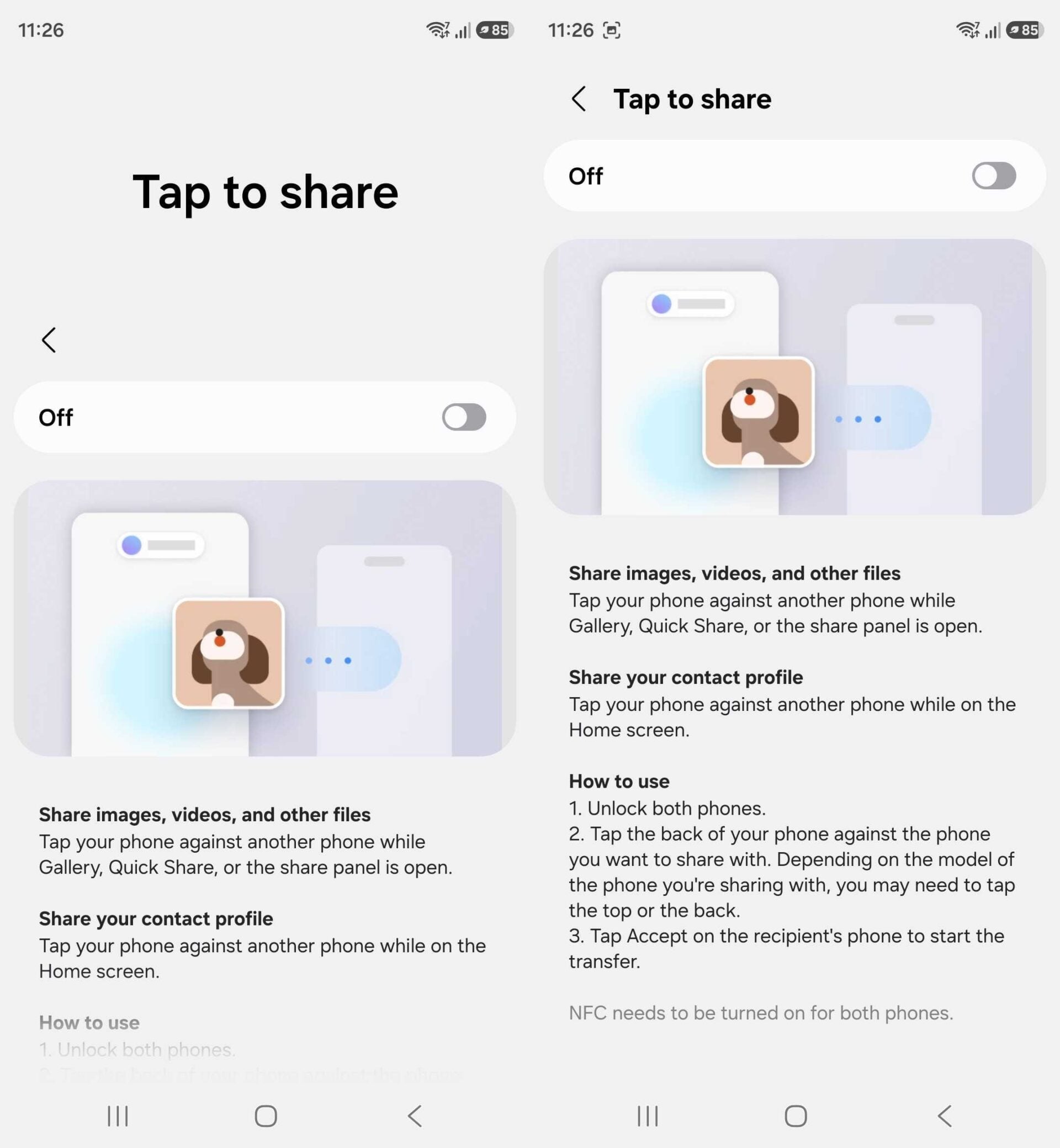
Take Tap to Share, for example. References to the feature showed up in earlier One UI 9 builds, and it’s now available in the Quick Share menu on the latest firmware.

As the name suggests, Tap to Share lets you start transferring images, videos, and other files by simply tapping your phone against another device. On the Galaxy S26 series, you can also tap the top edge of the phone, as all three models include NFC antennas on both the top and the back.
Samsung has also added home screen widgets for Bixby. These are pretty basic: they just include voice/microphone and keyboard icons so you can quickly initiate talking to Bixby. If you use the 4×2 widget, you get a full text input row and the microphone icon next to it.


This story is developing…


Post a Comment